
We’re currently transitioning our admin model from Team > Group to Organization > Team > Group, with admin roles becoming Organization Admin and Team Admin. As a result, some language in this article (for example, references to “Team” or “Group”) may not exactly match what you see in the product today. The underlying functionality described here remains the same, even if the labels and hierarchy in your app look slightly different while we complete this transition.
Assignments Overview
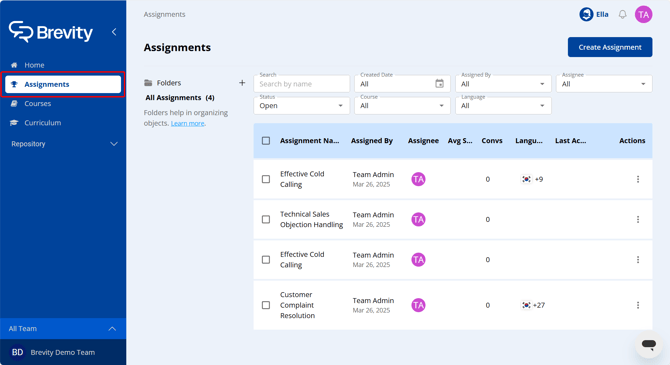
In Brevity, an assignment is simply a course that has been made available for Brevity users to practice. Each time a user completes a role play assignment, they receive a conversation score and feedback, allowing users and admins to monitor progress and offer targeted coaching for improvement. Assignments in Brevity can be created and managed from the Assignments tab.
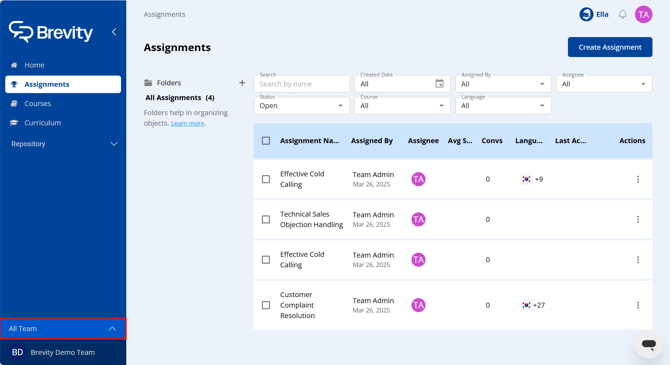
Assignments can be created and managed at multiple levels, so before making changes, ensure that you have selected the correct team in the bottom-left corner of the Brevity window.
Next step: Create an Assignment